
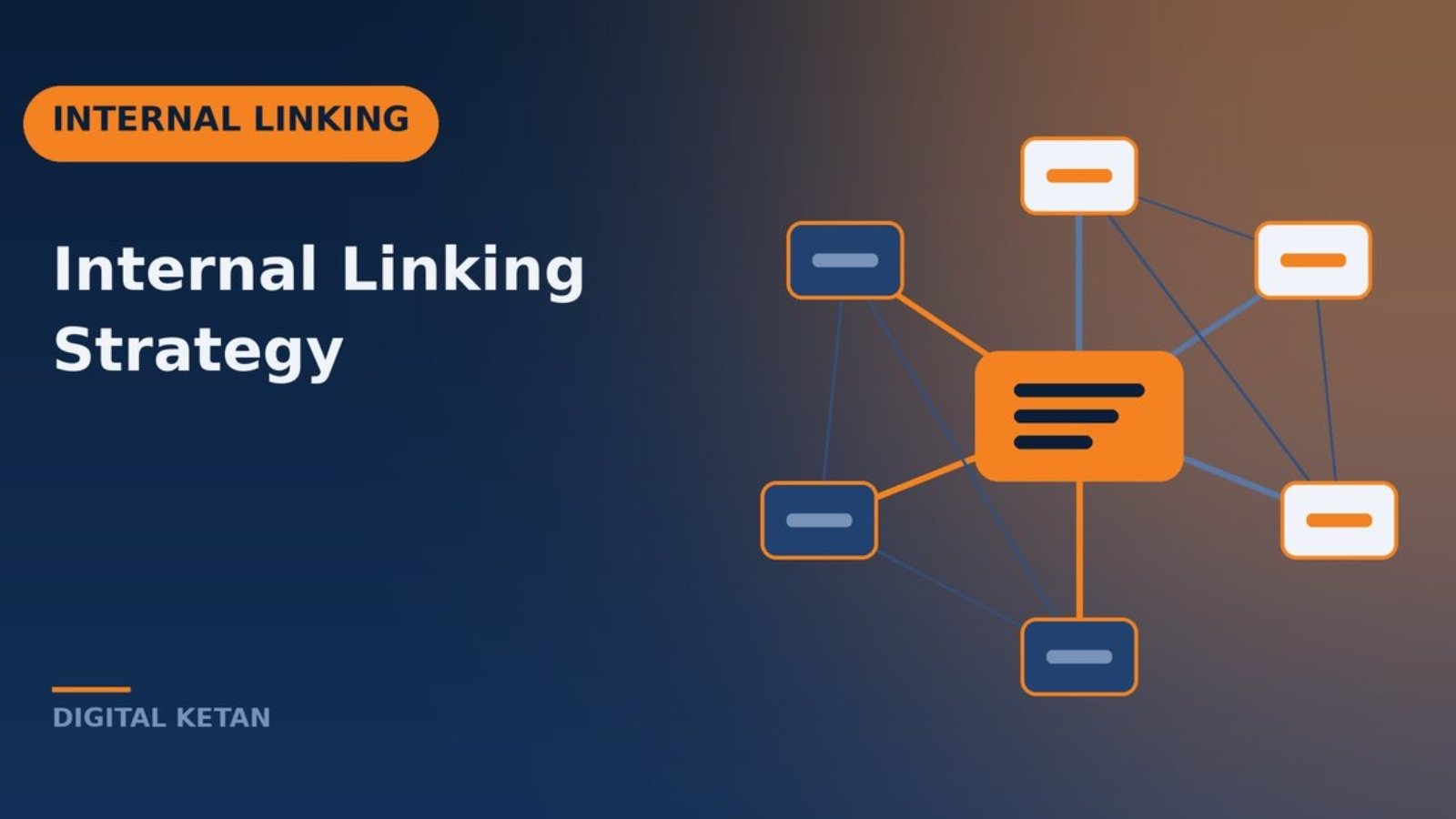
An internal linking strategy is a deliberate plan for how the pages on your website link to each other. Internal links help search engines discover your content, understand how topics relate, and decide which pages are most important. They also guide visitors from one useful page to the next, which keeps them engaged and moves them toward becoming customers. Of all the levers in SEO, internal linking is one of the most powerful and one of the most neglected, largely because it is entirely in your control and costs nothing but time.
This guide is for business owners, marketers, and content teams who want to use internal links intentionally rather than leaving them to chance. I will explain what internal linking is, why it matters for both traditional search and AI search in 2026, how search engines interpret links, a step by step framework for building an internal linking strategy, common mistakes, a worked example, and a checklist. If you are new to SEO planning more broadly, my SEO strategy guide provides the wider context.
What Is Internal Linking?
An internal link is any hyperlink from one page on your website to another page on the same website. Navigation menus, footer links, breadcrumbs, related post widgets, and links placed within the body of your content are all internal links. They differ from external links, which point to other websites, and from backlinks, which are links from other websites to yours.
Not all internal links carry the same weight or purpose. Navigation links help users move around the site and tell search engines which pages are structurally important. Contextual links, placed within the body of content, are especially valuable because the surrounding text and anchor text explain how the two pages relate. A link from a paragraph about site speed to a detailed guide on Core Web Vitals tells both readers and search engines exactly why the destination page is relevant.
An internal linking strategy goes beyond adding links wherever they fit. It decides which pages matter most, how authority should flow between them, how topics are grouped, and what anchor text should describe each destination.
Why Does Internal Linking Matter in 2026?
Discovery and crawling
Search engines discover pages largely by following links. A page with no internal links pointing to it, often called an orphan page, may be discovered only through a sitemap, crawled less often, or treated as unimportant. Strong internal linking ensures every valuable page is easy to find.
Understanding and relevance
Anchor text and surrounding context help search engines understand what the destination page is about. When several pages link to a guide using descriptive anchors related to the same topic, that consistency reinforces the guide’s relevance for the topic.
Authority distribution
Pages that earn backlinks from other websites accumulate authority. Internal links pass some of that value to other pages on your site. A well linked site can lift newer or less linked pages by connecting them to stronger ones.
Topical depth and AI understanding
A cluster of interlinked pages covering a topic from multiple angles demonstrates expertise. This matters for rankings, and it matters for AI systems that try to understand what a site is authoritative about. Clear topical structure supports both answer engine optimization and generative engine optimization, because it helps systems find the most relevant page for a question and understand the context around it.
User experience and conversions
Readers rarely find everything they need on one page. Well placed links anticipate their next question, keep them on your site, and guide them from informational content toward service or product pages. This is how content produces business results rather than just traffic.
How Search Engines Interpret Internal Links
Anchor text
Anchor text is the clickable text of a link. Descriptive anchors such as “technical SEO audit” tell search engines and readers what to expect. Generic anchors such as “click here” or “read more” provide no context. Vary anchors naturally rather than repeating the exact same phrase every time, but keep them accurate.
Link placement
Links within the main content, surrounded by relevant text, generally carry more meaning than links in footers or sidebars repeated across every page. A contextual link placed where the reader would naturally want more information is valuable to both humans and search engines.
Click depth
Click depth is the number of clicks it takes to reach a page from the homepage. Pages buried many clicks deep tend to be crawled less often and treated as less important. Keeping key pages within about three clicks of the homepage is a sensible guideline.
Number of links
There is no strict limit on links per page, but every additional link dilutes attention. Pages with hundreds of links become hard to use and make it less clear which destinations matter. Focus on links that genuinely help the reader.
Link attributes and crawlability
Internal links should be standard HTML anchor elements with an href attribute so crawlers can follow them. Avoid applying nofollow to internal links, and be careful with links generated only by JavaScript interactions, which some crawlers may not follow reliably. A technical SEO audit can reveal whether your links are crawlable and whether important pages are orphaned.
Internal Linking Strategy: Step by Step
Step 1: Identify your most important pages
Start with business priorities. Which pages generate revenue or leads? Usually these are service pages, product or category pages, and a handful of cornerstone guides. List them and note which currently rank well, which are close to ranking, and which are underperforming. These pages should receive the most internal links.
Step 2: Organize content into topic clusters
Group your content by topic. Each cluster should have a pillar page covering the topic broadly and several supporting pages covering subtopics in depth. Keyword research is the best way to define these clusters, because it shows which questions and subtopics people search for.
Step 3: Map the links within each cluster
The pillar page links to every supporting page. Each supporting page links back to the pillar and to closely related supporting pages where it helps the reader. This creates a tightly connected cluster that search engines can easily interpret.
Step 4: Connect clusters where topics genuinely overlap
Topics rarely exist in isolation. An article about AI search naturally relates to technical SEO, content structure, and brand reputation. Link between clusters where the relationship is real and useful to the reader. Avoid forcing links between unrelated topics just to increase counts.
Step 5: Link from informational content to commercial pages
Guides and blog posts often attract more traffic than service pages. Use that traffic by linking to relevant service or product pages where it makes sense, for example from a guide on choosing accounting software to your implementation service page. This supports both rankings and conversions.
Step 6: Find and fix orphan pages
Use a crawler such as Screaming Frog or Sitebulb, connected to your sitemap and analytics, to find pages with no internal links pointing to them. Either link to them from relevant content, merge them into stronger pages, or retire them properly with redirects if they no longer serve a purpose.
Step 7: Use high authority pages to lift others
Identify pages with the most backlinks, which most SEO tools can report. Add contextual links from those pages to important pages that need a boost, provided the links are relevant. This is one of the quickest ways to help new content gain traction.
Step 8: Write descriptive, varied anchors
Choose anchor text that accurately describes the destination. Use the primary topic or a close variation, and vary phrasing across different linking pages so the anchors read naturally. Our on-page SEO checklist covers anchor text alongside the other on-page elements.
Step 9: Build linking into your publishing process
Every time you publish a new page, add links from it to related pages and add links to it from at least a few existing relevant pages. Without this second step, new content often stays isolated. Include internal linking in your content checklist so it happens consistently.
Step 10: Review and maintain
Links break when pages are moved, merged, or deleted. Review internal links quarterly, fix broken links, update links to redirected URLs so they point directly to the final destination, and refresh older content with links to newer, more relevant pages.
Types of Internal Links and Their Roles
| Link type | Main role | Best practice |
|---|---|---|
| Main navigation | Signals structurally important pages | Keep it focused on core sections and priority pages |
| Contextual links | Explain relationships between topics | Place where readers want more detail, with descriptive anchors |
| Breadcrumbs | Show hierarchy and aid navigation | Reflect a logical site structure and add BreadcrumbList schema |
| Related content modules | Surface additional reading | Use relevance rather than recency alone |
| Footer links | Provide access to utility pages | Avoid stuffing footers with keyword rich links |
New Websites vs Existing Websites
The right approach depends on where you are starting from.
Planning links for a new website
A new site has the advantage of a clean slate. Before building pages, sketch the site architecture: the main sections, the pillar pages for each topic, and the supporting pages you plan to publish. Decide which service or product pages each cluster should ultimately support. Then publish in an order that allows links to build naturally, usually pillars first, followed by supporting content that links back. Because a new site has little external authority, internal links do a large share of the work of signaling which pages matter.
Improving links on an existing website
An established site usually has years of content published without a plan. Start with an inventory: crawl the site, export all indexable pages with their internal link counts, backlinks, and traffic, and group them by topic. You will typically find a few pages with plenty of links, many with only navigation links, and some orphans. Rather than trying to fix everything at once, work cluster by cluster, beginning with the topics closest to revenue. Consolidate overlapping pages first, because linking to near duplicates only spreads authority thinner.
Tools for Internal Linking
A few tools make internal linking much easier to manage.
- Google Search Console: the Links report shows your most internally linked pages, which reveals whether your priorities match what the site actually emphasizes.
- Site crawlers: Screaming Frog and Sitebulb report inlinks, outlinks, anchor text, click depth, and orphan pages when connected to sitemaps and analytics.
- Ahrefs and Semrush: site audit features flag broken internal links, redirect chains, and pages with few inbound links, and they identify pages with strong backlink profiles.
- A simple spreadsheet: for smaller sites, a sheet listing each page, its cluster, its pillar, and the pages it should link to is often all you need.
Measuring the Impact of Internal Linking
Internal linking changes are easy to make but can be hard to evaluate unless you plan measurement in advance. Record a baseline before you start: impressions, clicks, and average position for the target pages in Search Console, plus their internal link counts from your crawler. After changes, allow several weeks for recrawling, then compare.
Look for improvements in crawl frequency for previously isolated pages, increases in the number of queries target pages appear for, movement in average position for priority keywords, and changes in how visitors flow from informational pages to commercial pages in analytics. Because internal linking usually happens alongside other SEO work, attribute results carefully and focus on trends across groups of pages rather than single keywords.
Common Internal Linking Mistakes
- Orphan pages. Valuable pages with no internal links are hard to discover and rarely perform well.
- Generic anchors. “Click here” and “read more” waste the chance to describe the destination.
- Linking only through navigation. Menus alone do not explain how topics relate.
- Forgetting older content. New pages get links out but never receive links in from existing articles.
- Linking to redirected or broken URLs. These waste crawl effort and create poor user experience.
- Over optimizing anchors. Using the exact same keyword anchor on dozens of links looks unnatural.
- Forced links. Links between unrelated pages confuse readers and dilute topical signals.
Internal Linking Best Practices
- Prioritize links to the pages that matter most to the business.
- Organize content into clusters with a pillar and supporting pages.
- Use contextual links with descriptive, varied anchor text.
- Keep important pages within about three clicks of the homepage.
- Link from high authority pages to pages that need a boost.
- Add links to new content from existing relevant pages.
- Use breadcrumbs with structured data on hierarchical sites.
- Audit for broken links, redirects, and orphan pages every quarter.
Practical Example: A Growing Content Library
Consider a B2B software company that had published about eighty blog posts over three years. This is an illustrative scenario. Posts were published whenever someone had an idea, with a “related posts” widget at the bottom based on publish date. The company’s product pages received internal links only from the main navigation. Organic traffic to the blog was reasonable, but very few readers visited product pages.
An internal linking project would start by grouping the eighty posts into five topic clusters aligned with the product’s main use cases. For each cluster, the team would choose or create a pillar guide. A crawl would identify around fifteen orphan posts, several of which overlapped heavily with other posts and would be merged.
The team would then add contextual links from each supporting post to its pillar and to two or three closely related posts, and from each pillar to the relevant product page with descriptive anchors. The related posts widget would be changed to show posts from the same cluster rather than the most recent posts. The most linked blog posts would get new contextual links to newer articles that needed visibility. Finally, the team would add internal linking to its publishing checklist.
The realistic outcome of this kind of work is better crawling of previously isolated content, improved rankings for cluster topics over time, and more readers moving from blog content to product pages. It also addresses a problem I highlighted when writing about recurring B2B SEO problems: orphaned pages that nobody knew existed.
Internal Linking and AI Search
AI systems benefit from clear site structure just as search engines do. When your content is organized into interlinked clusters with descriptive anchors, it becomes easier to identify which page best answers a specific question and how your expertise on a topic fits together. That clarity supports your overall AI visibility. The relationships between traditional SEO and AI focused disciplines are explained in more depth in SEO vs AEO vs GEO.
Internal Linking Checklist
- Priority pages identified based on business value.
- Content grouped into topic clusters with defined pillar pages.
- Pillars link to all supporting pages, and supporting pages link back.
- Relevant links between related clusters where genuinely useful.
- Informational content links to relevant commercial pages.
- No orphan pages among content worth keeping.
- Important pages within about three clicks of the homepage.
- Descriptive, varied anchor text throughout.
- No internal links to broken or redirected URLs.
- Internal linking included in the publishing checklist.
- Quarterly link audit scheduled.
Frequently Asked Questions
How many internal links should a page have?
There is no fixed number. Include links wherever they genuinely help the reader, typically several contextual links in a long article. Avoid adding so many that the page becomes hard to read or the most important links lose prominence.
Do internal links help rankings?
Yes. Internal links help search engines discover pages, understand their topics, and see which pages are most important. They also pass authority from stronger pages to others.
Should I use exact match anchor text?
Descriptive anchors that include the topic are helpful, but vary them naturally. Using the identical keyword anchor on every link looks unnatural and adds little value.
What is an orphan page?
An orphan page has no internal links pointing to it. Search engines may struggle to find it, and it usually performs poorly. Link to it from relevant content, merge it, or retire it.
Do links in menus and footers count?
They are crawled and help with site structure, but contextual links within content usually carry more meaning because the surrounding text explains the relationship between pages.
Is internal linking worth it for small websites?
Yes. Even a small site benefits from connecting service pages, guides, and location pages logically. It is one of the lowest cost improvements in any small business marketing strategy.
Conclusion
An internal linking strategy turns a collection of pages into a connected resource that search engines, AI systems, and readers can understand. Identify your most important pages, organize content into clusters, link contextually with descriptive anchors, connect informational content to commercial pages, and make sure every new page is linked from existing content. Maintain your links over time so they stay accurate.
Because internal linking is entirely within your control, it is often one of the fastest ways to improve how your existing content performs. The effort compounds: each new, well linked page strengthens the others.
Want to Strengthen Your Site Structure?
If your content library has grown without a clear structure, I can audit your internal links, identify orphaned and underlinked pages, and build a practical linking plan around your priority pages. Get in touch through DigitalKetan.com to discuss your site.